How to answer 'how much?' in your DMs without losing the customer
Reply templates for 'how much?' in your DMs, when to send the price right away or ask a question first, and how to move the conversation toward a sale without getting ghosted.
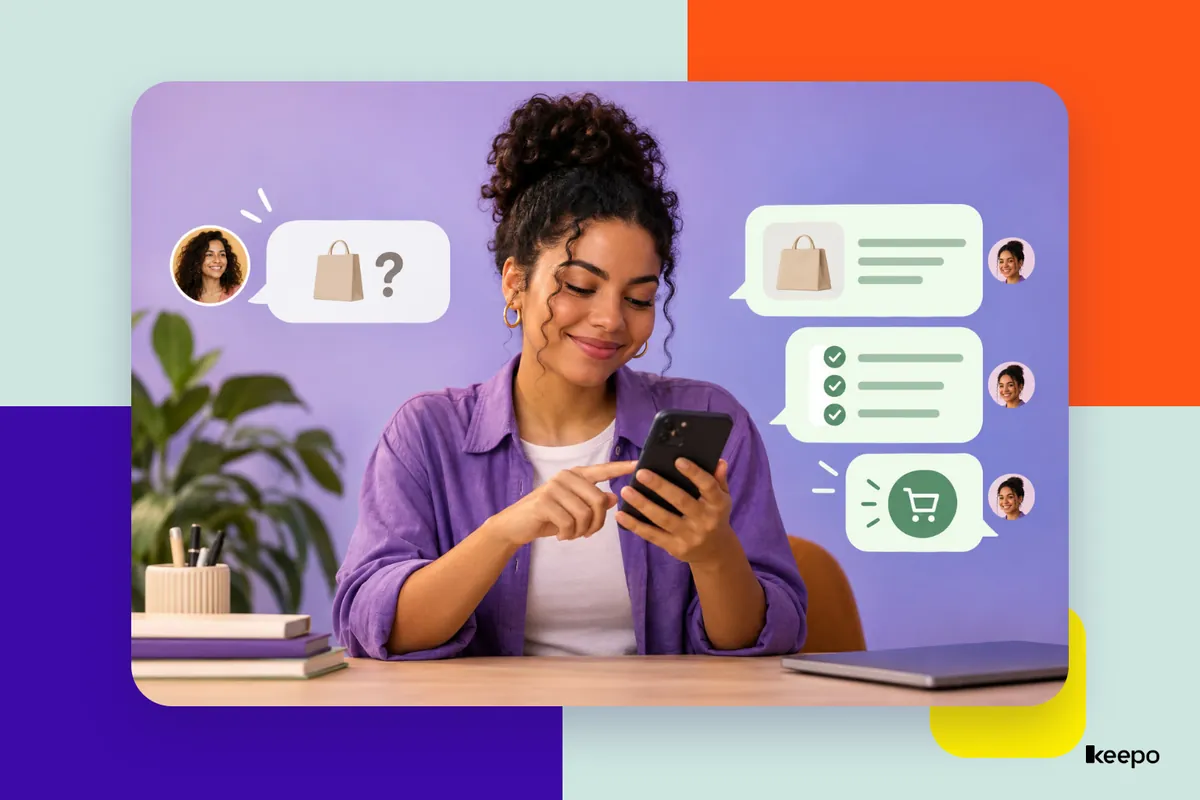
“How much is it?” is the message that shows up most often in the DMs of anyone selling on Instagram. It's also the one that most often ends in silence: you reply, the person sees it and disappears. Most of the time, the problem isn't the price. It's the way you reply: taking too long, a curt answer, a price with no context, or a round of questioning before giving any information at all. Below, you'll see how to decide between sending the price right away or asking first, ready-to-use templates for products and services, and how to guide the conversation all the way to payment.
Why so many conversations die after “how much?”
People who ask about the price haven't decided to buy yet. They're comparing, checking whether it fits their budget, or just curious. When the reply is nothing but a number, they have no reason to keep the conversation going. The most common mistakes are:
- Taking too long to reply: while you haven't answered, the person is asking other profiles.
- Sending only the price: “R$ 150” without saying what's included looks expensive, even when it isn't.
- Hiding the price too much: asking five questions before giving any number is tiring and makes it seem like you're stalling.
- Not ending with a next step: if your message doesn't invite the person to do something, they won't.
Price up front or a question first: how to decide
There's no single rule. It depends on what you sell.
Send the price right away when it's fixed
If you sell a product with a set price, a course, a consultation with a standard fee or a fixed package, reply with the price in your very first message. Holding back the information only delays the decision and annoys people who already know what they want.
Ask a question first when the price varies
If the price depends on size, quantity, location, timeline or complexity, as with renovations, design, events, photography or custom orders, a short question makes sense. But give a ballpark figure along with it so the person doesn't feel like they're being strung along. One question, two at most. Any more than that, use a form.
Reply templates for products
Adapt the wording to the way you talk. What matters is the structure: price, what's included and a next step.
Hi, Ana! The kit is R$ 89.90 and comes with the moisturizer, the soap and the toiletry bag. I have it ready to ship in lavender and vanilla. Which one do you prefer?
Hi! This top is R$ 120 and comes in sizes S to XXL. Shipping anywhere in Brazil takes 5 to 8 business days. Want me to check if your size is available?
Notice that both end with an easy question. Picking a scent or saying a size is much simpler than deciding “am I buying this or not?”
Reply templates for services
For services with a fixed price:
Hi, Carlos! The assessment session is R$ 180, lasts about 50 minutes and includes a written follow-up plan. I have openings Thursday afternoon and Saturday morning. Does either of those work for you?
For services with a variable price, give a range and ask the question:
Hi! Family photo shoots range from R$ 450 to R$ 900, depending on the length and the number of edited photos. Tell me: how many people will be in it, and are you thinking studio or outdoors? That way I can give you the exact price.
If you don't have a price range yet, it's worth putting one together. It filters out people who are way over budget and saves you hours of conversations that go nowhere.
How to guide the conversation from price to closing
Once the person replies, the goal is to clear every obstacle between them and the payment. A simple script:
- Answer their real question: if they ask about timing, size or payment methods, answer that clearly and directly.
- Confirm what they want: “So that's the lavender kit, delivered to Curitiba, right?” This prevents mistakes and makes it feel like the purchase is already underway.
- Tell them how to pay: list the payment methods you accept and send the link or payment key without them having to ask.
- Explain what happens next: when they'll receive it, when you'll confirm the appointment, how they can track the order.
The less the person has to ask, the faster they close.
What to do when someone disappears after the price
Disappearing doesn't mean “no.” Lots of people get distracted, forget or put it off. A friendly reminder a day or two later solves many of these cases:
Hi, Ana! Just checking in to see if you had any questions about the kit. The lavender one is still available, so I can hold one for you if you'd like.
Send one reminder, two at most. Pushing beyond that is annoying and might make the person unfollow you. If they say it's too expensive, you don't need to drop the price on the spot: ask what they had in mind and see if there's a smaller option, like a simpler kit or a package with fewer sessions.
Mistakes that make you lose the customer
- Replying “message me on WhatsApp” without giving any information: every extra step is another chance for the person to give up.
- Copying and pasting a huge message: a giant block of text in a DM is rarely read all the way through. Stick to short messages.
- Over-justifying the price: explaining what's included helps. Apologizing for the price comes across as insecure.
- Treating everyone the same: using the person's name and mentioning the product they asked about makes a difference.
Put prices, your catalog and key information in your link in bio
One of the most effective ways to answer “how much?” is to make that information available before anyone even asks. When your link in bio shows your products and services with photos, descriptions and prices, customers get to know what you offer better and arrive at the conversation more ready to buy.
With Keepo, you create a custom page that brings together all the important information about your business in one place:
- Product and service catalog: showcase your products with photos, descriptions and prices, making it easy for anyone visiting your profile to browse.
- Quote request form: for services with variable prices, you can collect key details from the customer, such as the type of service, quantity and other needs, speeding up your response.
- Custom buttons and links: send your visitors to WhatsApp, booking platforms, online stores or external payment pages.
- Floating WhatsApp button: make it easy for customers to reach you directly, letting them start a WhatsApp chat while they browse your page.
- Frequently asked questions (FAQ): gather answers to common questions about your products, services, timelines and payment methods, cutting down on repetitive questions.
With these features, your customer service becomes more organized and your customers find information easily. Instead of answering the same question over and over, you can say: “The kit is R$ 89.90! In the link in my bio you'll find the photos and all the available options, and you can message me on WhatsApp to place your order.”
The conversation stays personal and friendly, but the customer already has the main information they need to make a decision.
Answering “how much?” well means giving the price with context, making the next step easy and not leaving the customer waiting. With Keepo, you turn your link in bio into a complete page to showcase your products, promote your services and make it easy for potential customers to get in touch.
Create your Keepo for free and organize your information on a custom page, ready to share on Instagram and other social networks.