How to get paid by Pix on Instagram without losing sales along the way
Sales stall between “I want it” and the payment. Learn how to shorten the path from DM to Pix in your account, when sending your key is enough, and the mistakes that make customers disappear.
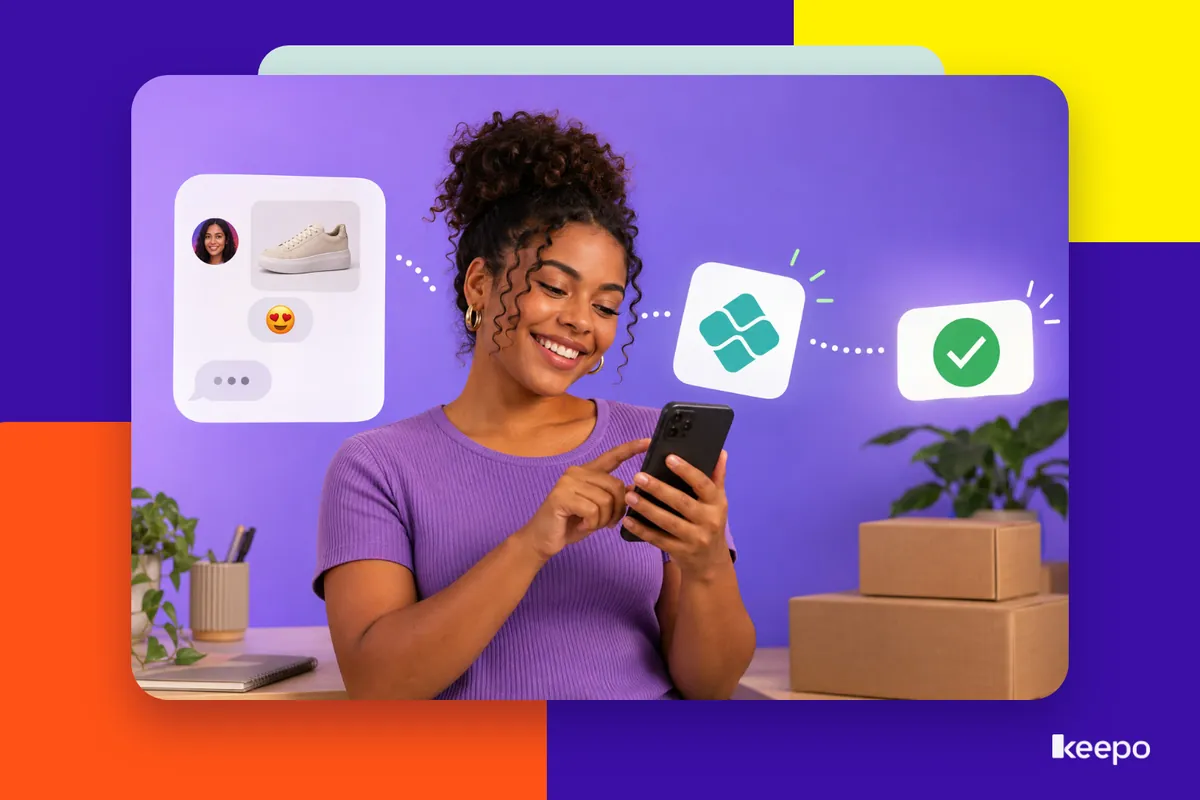
The customer saw your post, sent you a DM, asked the price, and said “I want it.” You sent your Pix key and they vanished. If this has happened to you, the problem probably wasn't the product or the price. It was the path to payment: too long, too confusing, or too dependent on you being online at the right moment.
This post shows you how to get paid by Pix on Instagram by shortening that path. You'll see the step-by-step from DM to money in your account, when sending the key manually works and when it's worth having a payment page in your link in bio, plus the mistakes that most often make customers give up.
Why sales stall after “I want it”
A customer's moment of peak interest is short. They're on their phone, scrolling the feed, in between tasks. Every extra step between the decision and the payment is a chance for them to get distracted, put it off, and forget.
When you sell through DMs, those steps pile up fast:
- the customer asks the price and waits for you to reply;
- asks whether you have the color, the size, or the time slot, and waits again;
- gets the key, leaves Instagram, opens their banking app, copies, pastes, checks the name;
- goes back to Instagram to send the receipt;
- waits for you to confirm you got it.
If you take too long to reply at any of these stages, the conversation goes cold. And on your end, you're left digging through dozens of chats for receipts to figure out who paid for what.
The shortest path from DM to money in your account
The goal is simple: customers should be able to pay the moment they decide to buy, without having to wait for you. In practice, that means organizing the sale in this order:
- Make prices and details visible before anyone asks. Price, available options, delivery or service times. The fewer questions customers have, the less back-and-forth in your DMs.
- Have a single place to send customers. It can be a ready-made message with your payment details or a link that goes straight to a payment page. The key is not to improvise every sale.
- Offer payment the moment they say “I want it.” Don't wait for the customer to ask how to pay. As soon as they confirm interest, send them the way to do it.
- Tell them what happens next. When they'll get it, how they'll get it, who will get in touch. This removes the uncertainty that makes a lot of people freeze before paying.
- Confirm payment in your bank, not from a screenshot. Receipts can be edited. What counts is the money showing up in your statement.
Pix key by hand or a payment page in your link in bio?
There are two main ways to get paid by Pix on Instagram. Both work, but they suit different stages of a business.
Sending your key by message: when it works
Sending your Pix key in a DM is the fastest way to start. All you need is a bank account. It makes sense when:
- you make only a few sales a day and can keep up with every conversation;
- each sale is customized and the price changes depending on the order;
- the customer already knows and trusts you.
The weak spot shows up as volume grows. You become the bottleneck: customers can only pay when you reply, checking is manual, and your records are scattered across screenshots. Cards aren't an option either, so anyone who wanted to pay in installments is out of luck.
A payment page in your link in bio: when it's worth it
With a payment page, customers choose the product or service, see the price, and pay right there, by Pix or card, without depending on you being online. It makes sense when:
- you have products or services with set prices;
- you get the same questions over and over about price and payment methods;
- you lose sales because you took too long to reply;
- some of your customers prefer to pay by card or in installments.
In this model, DMs are still there, but for answering questions and building relationships, not for handling every payment. When a customer asks the price, you answer and send the link right away. People who come in through your bio don't even need to message you.
Many people use both: a page for fixed-price items and a manual key for custom orders. It doesn't have to be one or the other.
How to write a payment message customers won't ignore
If you're going to send your key by DM, keep a ready-made message saved in your Instagram quick replies. It needs to answer everything at once. For example:
Perfect! The kit is R$ 89.00. You can pay by Pix using the key below. The name that will show up in your bank is Ana Souza. As soon as the payment comes through, I'll confirm here and your order will ship within 2 business days.
Notice what this message covers: exact amount, key, the name that will show up when confirming the Pix, timeframe, and next step. Send the key in a separate message on its own so the customer can copy it with one tap.
Mistakes that make customers give up at checkout
- Hiding the price. The classic “DM for price” turns away people who just wanted to know the cost before deciding. Many never message.
- Taking too long to reply. Hours later, the customer has already bought from someone else or lost interest.
- A recipient name that differs from your brand, with no heads-up. The customer enters the key, sees a name they don't recognize, and worries it's a scam. Let them know in advance which name will appear.
- A key that's hard to copy. A key buried in a long text or inside an image forces the customer to type it, and that's where typos creep in.
- Only accepting Pix for high-ticket sales. For bigger purchases, many people want to pay in installments by card. Without that option, the sale gets put off.
- Not saying what happens after payment. Without a timeframe or next step, customers hesitate.
- Confirming from the receipt. Besides the risk of fake receipts, you waste time checking image after image. Always check your bank statement.
How to stop tracking payments through chat screenshots
If right now you figure out who paid by scrolling through your DMs, it's worth taking a few steps to get out of that:
- Set up a separate account for payments. An account just for sales makes it easier to check your statement and see how much came in.
- Log every sale in one place. A simple spreadsheet with date, customer, amount, and status is enough to start.
- Move fixed-price items to a payment page. That way customers pay on their own and you don't have to match receipts to conversations.
- Use DMs for what they do best. Answering questions, making recommendations, building relationships. The operational side lives in the link.
If you want this short path in your link in bio, you can do it with Keepo: build your minisite with your links, catalog, and a payment page for Pix and card, all at the same address that's already on your Instagram. Customers decide and pay on the spot, and you stop chasing receipts. Create your Keepo and start getting paid through your link in bio.