
Home services: how to organize your schedule, routes and travel fee
If you go to your clients' homes, you lose time and money on the road. Learn how to group appointments by area, define your service area, charge for travel and make your rules clear.
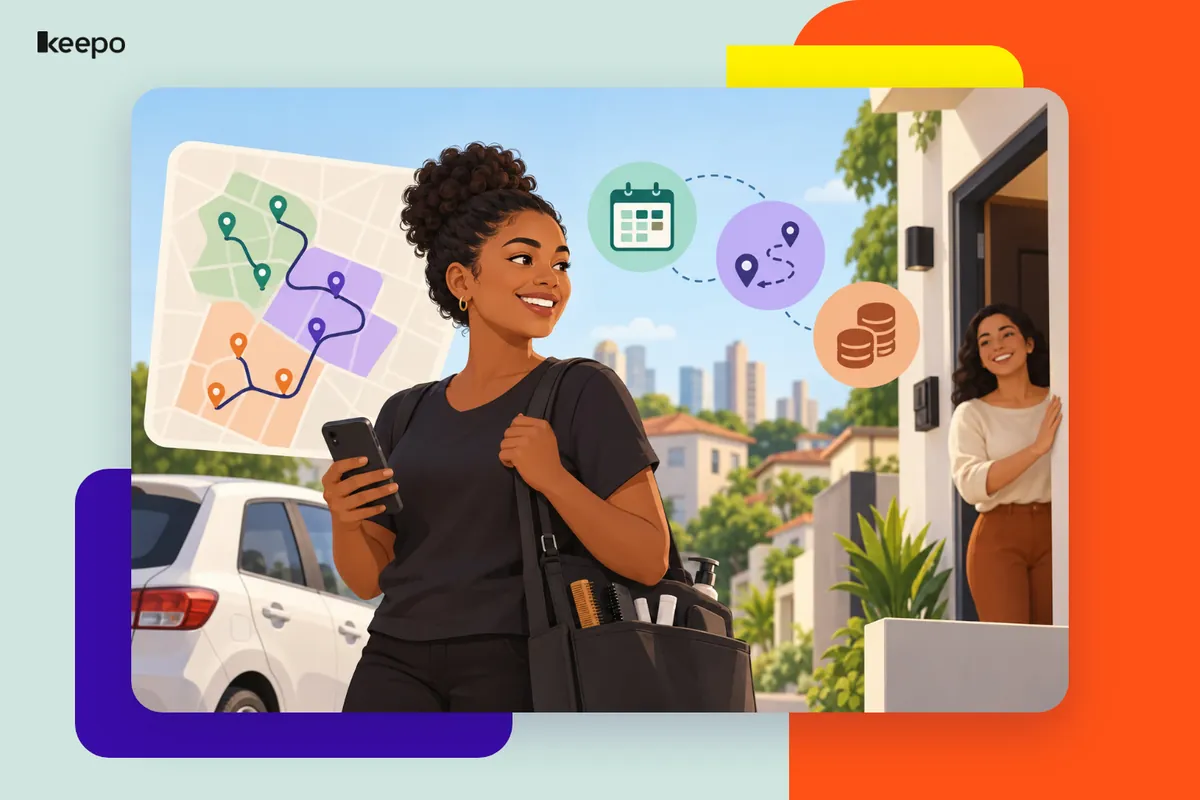
If you go to the client, whether you're a manicurist, makeup artist, personal trainer, caregiver or hairdresser, you have a cost that people working in a salon or office don't: the commute. Every trip eats up time that could become another appointment, plus money spent on fuel, ride apps, fares or parking. Without organization, you work all day and earn as if you'd worked part-time. The good news is that you can fix this with a few well-defined rules, communicated before the appointment is confirmed.
Why travel needs to be part of your math
Many people set their prices thinking only about the time spent on the service and the materials. But with home services, your workday starts when you leave the house and ends when you reach your next destination. A one-hour appointment with forty minutes to get there and forty minutes back actually takes up more than two hours of your schedule.
So before touching your prices or routes, try a simple exercise: for one or two weeks, write down how much time and money you spend on each trip. With this real data, it becomes much easier to decide where to work, how to build your schedule and whether it's worth charging a fee.
Define your service area
Your service area is the territory where you're willing to work. It prevents that request that seems great until you find out the address is on the other side of town.
Pick a simple way to set boundaries
- By neighborhood: you list the neighborhoods you serve. This is the easiest format for clients to understand.
- By zone: you split the city into areas, such as zone 1 (close to you), zone 2 (in between) and zone 3 (farther away), each with different rules.
- By travel time: you accept addresses within a certain travel time from your base. It works well, but it's harder to explain, so it's a good idea to turn it into a list of neighborhoods.
Decide what to do with clients outside your area
Outside your area doesn't always have to mean no. You can accept with a higher fee, only on specific days or only for packages with more than one appointment, such as a bride with her bridesmaids or several sessions a month. What matters is having the rule ready so you don't have to improvise while the client is insisting.
Group appointments by area
This is the step that gives you the most time back each week. Instead of serving whoever asks, in the order they ask, you organize your schedule so nearby clients are booked on the same day or in the same shift.
- Assign a day or shift to each area. For example: Monday and Thursday for the north side, Tuesday for downtown, Wednesday for the south side. People living in a given area then choose from that day's time slots.
- Offer time slots instead of asking when the client is free. Asking opens the door to any day and time. Offering two or three options already within that area keeps your route organized.
- Leave a buffer between appointments. Add travel time to your schedule, plus some extra for traffic, slow elevators or finding parking. Booking appointments back-to-back is a recipe for being late to all of them.
- Start with the farthest or the closest stop, but with a plan. Plan the day's sequence so you don't zigzag across town. A maps app with multiple stops helps you see the best order.
- Keep a slot open for emergencies. One free slot a week keeps a special request from messing up your entire route.
At first, some clients will find it odd that they can't pick any day they want. Explain that this is what allows you to keep your prices and arrive on time. Most people understand when the rule is clear and applies to everyone.
Travel fee: charge separately or include it in the price?
There's no single answer. What matters is choosing one model and applying it the same way every time.
The most common models
- Price with travel included: the service price already covers travel within your area. It's simple, and clients don't feel like they're paying extra. It works best when your area is small and trips are similar.
- Flat fee per zone: each zone has its own travel fee. It's transparent and fair to people who live nearby, who pay less.
- Fee with a waiver: you charge for travel but waive it above a certain service amount or for packages. This encourages clients to book more appointments at once.
How to arrive at the amount
Use the data you wrote down. Add up the direct cost of the trip (fuel, fares, ride apps, parking, tolls) and consider the time stuck in traffic, which is time you're not working. The fee doesn't have to cover everything, but it also can't mean you're paying to work. Review the amount from time to time, especially when fuel prices or transit fares go up.
Make the rules clear before confirming the appointment
A rule the client only finds out about after booking turns into an argument. Ideally, they should know your area, fee and terms before booking. In practice, this means:
- Asking for the neighborhood right at the first contact, before talking about times.
- Giving the total price, fee included, instead of quoting the service price and mentioning travel later.
- Having your rules written down somewhere easy to send, so you don't have to type everything again for each client.
Agreements that prevent headaches
Beyond area and fee, a few details make all the difference on the day of the appointment:
- Full address: street, number, unit, building, apartment, a nearby landmark and postal code. Also ask whether you need to check in with the front desk.
- Parking: whether there's a spot, whether it's paid and who pays.
- Late arrival policy: how long you'll wait if the client isn't home and what happens after that. It's also worth saying what you'll do if you're the one running late, such as giving advance notice.
- Cancellation and rescheduling: how far in advance clients can cancel at no cost and what happens if you show up and the appointment can't take place.
- Setup needed: a nearby outlet, a table, a chair, good lighting, clear space for a workout. Also let clients know if they should keep pets away.
- Who will be there: especially for caregivers, confirm who will let you in, who the emergency contact is and what the family's instructions are.
- Payment: accepted payment methods, whether there's a deposit to hold the slot and when the balance is due.
A message template to copy and adapt
Hi! I serve neighborhoods X, Y and Z. For that area, available times are Tuesday at 9 a.m. or 2 p.m. The total is R$ ___ including travel. To confirm, I need your full address with unit number and a nearby landmark, plus a R$ ___ deposit via Pix. Late arrival policy: 15 minutes. Deposits aren't refunded for cancellations made less than 24 hours in advance. Shall I book it for you?
Common mistakes in home services
- Accepting any address for fear of losing the client and spending the day in traffic.
- Mentioning the travel fee only after the client has already made plans.
- Building your schedule with no buffer between one address and the next.
- Confirming an appointment without the full address and finding out at the door that the building number was missing.
- Not charging a deposit and wasting the trip when the client cancels at the last minute.
- Making an exception for one client and then being unable to say no to everyone else.
Where Keepo fits into this
A lot of the confusion happens because rules end up scattered across WhatsApp chats. With a Keepo, you bring everything together on a single page, right in your Instagram bio link: your services and prices, your rules for area, fees and cancellations, a form where clients enter their neighborhood and address, and a calendar to pick a time. That way, anyone who finds you sees your terms before requesting an appointment, and you spend less time repeating the same explanation.
If you offer home services and want to stop losing time and money on the road, start by defining your area, your fee and your terms. Then create your Keepo and keep it all organized in one link your clients can open straight from their phones.